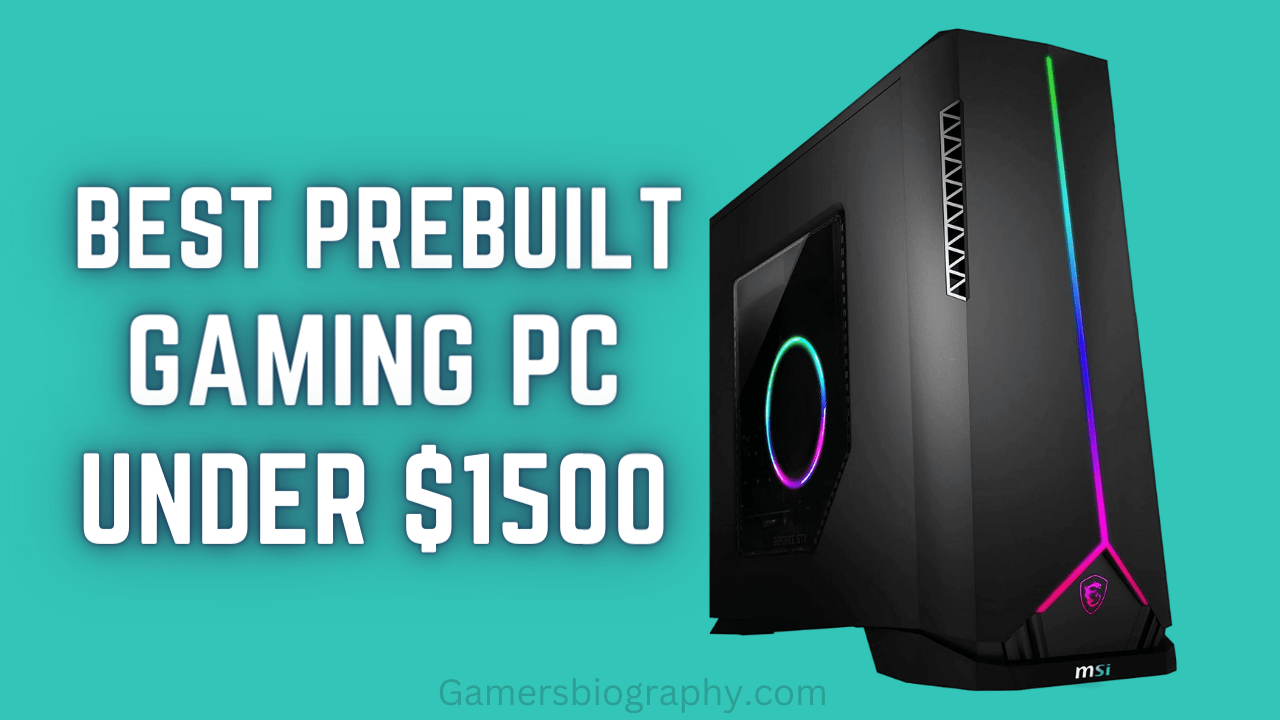
Unleash the Power: Building a Killer Gaming PC for Under $1500
For many gamers, the dream is to have a high-performance gaming PC capable of running the latest titles at maximum settings, without breaking the bank. While pre-built systems offer convenience, building your own PC provides unmatched customization, cost-effectiveness, and the satisfaction of knowing every component inside your machine.
In this guide, we’ll walk you through the process of building a gaming PC that delivers exceptional performance for under $1500. This budget allows for a well-rounded system capable of handling demanding games at 1440p resolution with high refresh rates, as well as excelling in other tasks like content creation and productivity.
Why Build Your Own Gaming PC?
Before diving into the build itself, let’s highlight the advantages of building your own gaming PC:
- Cost Savings: You can often get better components for the same price as a pre-built system, as you’re not paying for assembly costs or brand markups.
- Customization: Choose every component to match your specific needs and preferences, ensuring optimal performance and aesthetics.
- Upgradability: Easily upgrade individual components as technology advances, extending the lifespan of your PC.
- Knowledge and Understanding: Gain valuable knowledge about how computers work, making you a more informed user.
- Personal Satisfaction: The pride of building your own machine and seeing it perform flawlessly is a reward in itself.
The $1500 Gaming PC Build: Component Breakdown
Here’s a detailed breakdown of the components we’ll be using for our $1500 gaming PC build, along with explanations for each choice:
-
CPU (Central Processing Unit): AMD Ryzen 5 7600X ($230)
- Why: The Ryzen 5 7600X offers excellent gaming performance at a competitive price. It features 6 cores and 12 threads, providing ample power for modern games and multitasking.
- Alternatives: Intel Core i5-13600K ($300) offers great performance but requires a more expensive motherboard.
-
CPU Cooler: Noctua NH-U12S Redux ($60)
- Why: The Ryzen 5 7600X can get hot under load, so a good aftermarket cooler is essential. The Noctua NH-U12S Redux is a high-performance air cooler that provides excellent cooling while remaining relatively quiet.
- Alternatives: Cooler Master Hyper 212 ($30), be quiet! Dark Rock 4 ($75).
-
Motherboard: MSI B650 Tomahawk WIFI ($200)
- Why: A B650 chipset motherboard is a great choice for the Ryzen 5 7600X, offering a good balance of features and price. The MSI B650 Tomahawk WIFI includes essential features like PCIe 5.0 support, multiple M.2 slots, and built-in Wi-Fi.
- Alternatives: ASUS ROG Strix B650-A Gaming WIFI ($230), Gigabyte B650 AORUS Elite AX ($220).
-
Memory (RAM): Corsair Vengeance DDR5 32GB (2x16GB) 5600MHz ($100)
- Why: 32GB of DDR5 RAM is the sweet spot for modern gaming, providing ample memory for running games and other applications simultaneously. 5600MHz ensures fast data transfer rates.
- Alternatives: G.Skill Trident Z5 Neo 32GB (2x16GB) 6000MHz ($110), Kingston Fury Beast DDR5 32GB (2x16GB) 5200MHz ($90).
-
Graphics Card (GPU): AMD Radeon RX 6950 XT ($600)
- Why: The Radeon RX 6950 XT is a powerhouse GPU that delivers excellent performance at 1440p and even 4K resolutions. It offers a great balance of performance and price, making it an ideal choice for our build.
- Alternatives: NVIDIA GeForce RTX 3080 ($700), AMD Radeon RX 6800 XT ($500).
-
Storage: Samsung 980 Pro 1TB NVMe SSD ($80)
- Why: A fast NVMe SSD is essential for quick boot times, game loading, and overall system responsiveness. The Samsung 980 Pro is a top-tier SSD that offers exceptional performance.
- Alternatives: Western Digital Black SN850X 1TB ($70), Crucial P5 Plus 1TB ($60).
-
Power Supply Unit (PSU): Corsair RM850x (850W) 80+ Gold ($140)
- Why: A high-quality PSU with sufficient wattage is crucial for powering all the components and providing headroom for future upgrades. The Corsair RM850x is a reliable and efficient PSU with an 80+ Gold certification.
- Alternatives: Seasonic FOCUS GX-850 (850W) 80+ Gold ($130), EVGA SuperNOVA 850 GA (850W) 80+ Gold ($120).
-
Case: Fractal Design Meshify 2 Compact ($110)
- Why: A good case provides adequate airflow, cable management options, and aesthetics. The Fractal Design Meshify 2 Compact is a popular choice that offers excellent airflow and a sleek design.
- Alternatives: Corsair 4000D Airflow ($90), NZXT H510 Flow ($80).
Total Estimated Cost: $1520
Note: Prices may vary depending on retailer, sales, and availability.
Assembly Guide: Step-by-Step
Building a PC might seem daunting, but with careful planning and attention to detail, it’s a manageable task. Here’s a general outline of the assembly process:
-
Preparation: Gather your components, tools (screwdriver, anti-static wrist strap), and a well-lit workspace.
-
CPU Installation: Install the CPU onto the motherboard, being careful to align the pins correctly.
-
CPU Cooler Installation: Mount the CPU cooler onto the CPU, ensuring proper contact and securing it tightly.
-
RAM Installation: Install the RAM modules into the appropriate slots on the motherboard.
-
Motherboard Installation: Mount the motherboard inside the case, securing it with screws.
-
GPU Installation: Install the graphics card into the PCIe slot.
-
Storage Installation: Install the NVMe SSD into the M.2 slot.
-
PSU Installation: Place the PSU in its designated compartment and connect the necessary cables to the motherboard, GPU, and storage devices.
-
Cable Management: Route and manage cables to ensure good airflow and a clean look.
-
Initial Boot: Connect the monitor, keyboard, and mouse, and power on the system to ensure it posts (shows the BIOS screen).
-
Operating System Installation: Install your preferred operating system (Windows, Linux) onto the SSD.
-
Driver Installation: Install the necessary drivers for the motherboard, GPU, and other components.
Tips and Considerations
- Research and Compatibility: Before purchasing any components, ensure they are compatible with each other. Use online compatibility checkers or consult with experts.
- Budget Allocation: Prioritize components that have the most impact on gaming performance, such as the GPU and CPU.
- Read Manuals: Refer to the manuals for each component for detailed installation instructions.
- Cable Management: Good cable management is crucial for airflow and aesthetics. Use zip ties or Velcro straps to keep cables organized.
- Thermal Paste: If your CPU cooler doesn’t come with pre-applied thermal paste, apply a small amount to the CPU before mounting the cooler.
- Static Electricity: Always use an anti-static wrist strap to prevent damage from static electricity.
- Take Your Time: Don’t rush the build process. Take your time and double-check everything.
Conclusion
Building a gaming PC for under $1500 is not only possible but also a rewarding experience. By carefully selecting components and following a step-by-step assembly guide, you can create a high-performance machine that delivers exceptional gaming experiences. This build provides a solid foundation for years of gaming enjoyment and can be upgraded in the future to keep up with the latest technologies. So, gather your components, prepare your workspace, and unleash the power of your own custom-built gaming PC!