CPU and GPU Compatibility Checker: Ensuring Harmony in Your Gaming Rig
In the world of PC gaming and high-performance computing, the central processing unit (CPU) and graphics processing unit (GPU) stand as the cornerstones of performance. These two components work in tandem to deliver stunning visuals, smooth gameplay, and efficient processing power. However, simply throwing any CPU and GPU together doesn’t guarantee optimal results. Compatibility is key, and a CPU and GPU compatibility checker is an invaluable tool for ensuring that your system components work together harmoniously.
Why Compatibility Matters
Before diving into the intricacies of compatibility checkers, it’s crucial to understand why compatibility matters in the first place. Several factors contribute to the importance of pairing a CPU and GPU that are well-suited for each other:
-
Avoiding Bottlenecks: A bottleneck occurs when one component in your system is significantly weaker than another, causing the stronger component to be held back. In the context of CPUs and GPUs, a weak CPU can bottleneck a powerful GPU, preventing it from reaching its full potential. Conversely, an underpowered GPU can limit the performance of a high-end CPU.
-
Optimal Performance: When a CPU and GPU are well-matched, they can work together efficiently to deliver the best possible performance. The CPU handles tasks such as game logic, AI, and physics calculations, while the GPU renders the visuals. A balanced pairing ensures that both components can operate at their peak without hindering each other.
-
System Stability: Incompatible components can lead to system instability, crashes, and other frustrating issues. Ensuring compatibility helps prevent these problems and ensures a smooth, reliable computing experience.
-
Future-Proofing: Choosing a compatible CPU and GPU can also help future-proof your system. As games and applications become more demanding, a balanced pairing will be better equipped to handle the increased workload.
Factors Affecting Compatibility
Several factors influence the compatibility of a CPU and GPU. These include:
-
CPU Architecture and Generation: Different CPU architectures and generations have varying levels of processing power and features. Pairing an older CPU with a cutting-edge GPU may result in a bottleneck, as the CPU struggles to keep up with the demands of the GPU.
-
GPU Architecture and Generation: Similarly, GPUs come in various architectures and generations, each with its own performance characteristics. A high-end CPU paired with an outdated GPU may not be able to fully utilize the CPU’s capabilities.
-
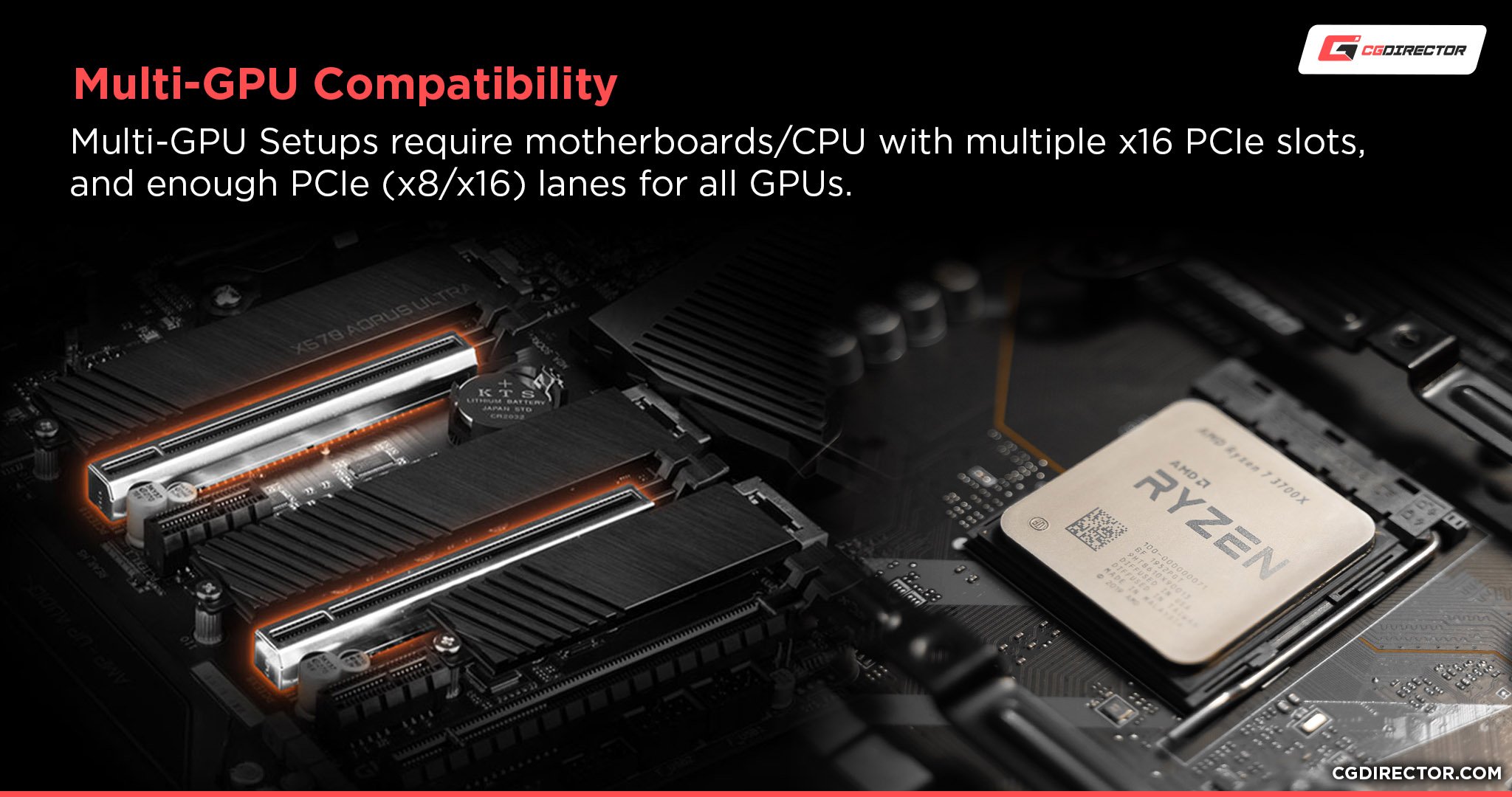
Motherboard Compatibility: The motherboard serves as the central hub for all your system components. It’s essential to ensure that your CPU and GPU are compatible with the motherboard’s socket type, chipset, and PCIe slots.
-
Power Supply Unit (PSU): The PSU provides power to all your system components. It’s crucial to choose a PSU that can deliver enough power to both the CPU and GPU, as well as any other components in your system. Insufficient power can lead to instability and performance issues.
-
RAM (Random Access Memory): RAM is essential for storing data that the CPU and GPU need to access quickly. Insufficient RAM can cause bottlenecks and slow down performance, especially in demanding games and applications.
How CPU and GPU Compatibility Checkers Work
CPU and GPU compatibility checkers are online tools or software applications that analyze your system specifications and provide recommendations for compatible components. These checkers typically work by:
-
Gathering System Information: The checker will ask you to provide information about your current CPU, GPU, motherboard, RAM, and PSU. Some checkers can automatically detect this information, while others require you to enter it manually.
-
Analyzing Component Specifications: Once the checker has your system information, it will analyze the specifications of each component, including its architecture, generation, clock speed, and other relevant details.
-
Comparing Component Specifications: The checker will then compare the specifications of your CPU and GPU to determine if they are a good match. It will look for potential bottlenecks, compatibility issues, and other factors that could affect performance.
-
Providing Recommendations: Based on its analysis, the checker will provide recommendations for compatible CPUs and GPUs. It may also suggest upgrades to other components, such as RAM or PSU, to improve overall system performance.
Benefits of Using a CPU and GPU Compatibility Checker
Using a CPU and GPU compatibility checker offers several benefits:
-
Avoiding Bottlenecks: The primary benefit of using a compatibility checker is to avoid bottlenecks. By ensuring that your CPU and GPU are well-matched, you can maximize the performance of both components.
-
Optimizing Performance: A compatibility checker can help you choose components that will work together efficiently to deliver the best possible performance. This can result in smoother gameplay, faster rendering times, and improved overall system responsiveness.
-
Ensuring System Stability: Compatible components are more likely to work together reliably, reducing the risk of crashes, freezes, and other stability issues.
-
Saving Time and Money: By using a compatibility checker, you can avoid the costly mistake of purchasing incompatible components. This can save you time and money in the long run.
-
Future-Proofing Your System: A compatibility checker can help you choose components that will be able to handle future demands, extending the lifespan of your system.
Limitations of CPU and GPU Compatibility Checkers
While CPU and GPU compatibility checkers are valuable tools, it’s important to be aware of their limitations:
-
General Recommendations: Compatibility checkers typically provide general recommendations based on component specifications. They may not take into account specific use cases or personal preferences.
-
Limited Scope: Most compatibility checkers focus primarily on CPU and GPU compatibility. They may not consider other factors that can affect performance, such as storage devices, cooling solutions, and case airflow.
-
Outdated Information: The hardware market is constantly evolving, and compatibility checkers may not always have the most up-to-date information. It’s important to verify the checker’s recommendations with other sources before making a purchase.
-
Subjective Results: The definition of "compatible" can be subjective. A compatibility checker may flag a potential bottleneck, but the impact of that bottleneck may be negligible in practice.
Best Practices for Choosing a CPU and GPU
In addition to using a CPU and GPU compatibility checker, consider these best practices when choosing your components:
-
Research: Before making any purchases, research different CPUs and GPUs to understand their performance characteristics and compatibility with other components.
-
Read Reviews: Read reviews from reputable sources to get an idea of how different CPUs and GPUs perform in real-world scenarios.
-
Consider Your Budget: Set a budget for your CPU and GPU and stick to it. There are many excellent options available at different price points.
-
Think About Your Needs: Consider your specific needs and use cases. If you’re primarily a gamer, you’ll want to prioritize a powerful GPU. If you’re a content creator, you’ll want a CPU with a high core count.
-
Check Compatibility with Other Components: Ensure that your CPU and GPU are compatible with your motherboard, RAM, and PSU.
Conclusion
Choosing a compatible CPU and GPU is essential for maximizing performance, ensuring system stability, and future-proofing your gaming rig. A CPU and GPU compatibility checker is a valuable tool for identifying potential bottlenecks and compatibility issues. By using a compatibility checker and following best practices, you can choose components that will work together harmoniously to deliver the best possible computing experience.