The Ultimate Guide to the Best Thermal Paste for CPU Cooling
In the world of PC building and maintenance, thermal paste often gets overlooked, but it plays a crucial role in ensuring optimal CPU cooling and overall system performance. This seemingly insignificant compound acts as a thermal interface material (TIM) that fills the microscopic gaps between the CPU’s integrated heat spreader (IHS) and the cooler’s base, facilitating efficient heat transfer. Without it, your CPU could overheat, leading to reduced performance, instability, or even permanent damage.
Choosing the right thermal paste can be a daunting task, given the myriad of options available in the market. This comprehensive guide will delve into the intricacies of thermal paste, explore the different types, and highlight some of the best options to help you make an informed decision.
Why is Thermal Paste Important?
CPUs generate a significant amount of heat when processing data. To dissipate this heat effectively, a CPU cooler is installed on top of the CPU. However, even the smoothest surfaces of the CPU’s IHS and the cooler’s base are not perfectly flat. Microscopic imperfections and air gaps exist, which hinder efficient heat transfer. Air is a poor conductor of heat, so these gaps act as insulators, preventing the heat from flowing quickly from the CPU to the cooler.
Thermal paste fills these gaps, creating a more continuous and efficient thermal path between the CPU and the cooler. By displacing the air, thermal paste allows heat to transfer much more effectively, keeping the CPU running at optimal temperatures.
Types of Thermal Paste
Thermal paste can be broadly categorized into several types, each with its own characteristics, advantages, and disadvantages:
-
Ceramic-Based:
- Composition: Typically consists of ceramic particles (such as zinc oxide or aluminum oxide) suspended in a silicone or oil-based carrier.
- Pros:
- Non-conductive, reducing the risk of short circuits.
- Relatively inexpensive.
- Good long-term stability.
- Cons:
- Lower thermal conductivity compared to other types.
- May require a longer "burn-in" period to reach optimal performance.
-
Metal-Based:
- Composition: Contains metallic particles, such as aluminum, copper, or silver, suspended in a carrier fluid.
- Pros:
- Excellent thermal conductivity, offering superior cooling performance.
- Cons:
- Electrically conductive, posing a risk of short circuits if it comes into contact with other components.
- More expensive than ceramic-based options.
- Can be more difficult to apply due to its thicker consistency.
-
Carbon-Based:
- Composition: Utilizes carbon compounds, such as carbon nanotubes or graphene, as the primary thermally conductive material.
- Pros:
- High thermal conductivity, often rivaling or exceeding metal-based pastes.
- Non-conductive, offering a safer alternative to metal-based options.
- Good long-term stability.
- Cons:
- Can be more expensive than ceramic-based pastes.
- May require careful application to ensure proper coverage.
-
Liquid Metal:
- Composition: Consists of a liquid alloy of metals, typically gallium, indium, and tin.
- Pros:
- Extremely high thermal conductivity, providing the best cooling performance.
- Cons:
- Electrically conductive and can corrode aluminum, limiting its compatibility with certain coolers.
- Very difficult to apply and remove, requiring extreme caution.
- Expensive and may not be suitable for novice users.
Factors to Consider When Choosing Thermal Paste
- Thermal Conductivity: This is the most important factor to consider. It measures the ability of the paste to transfer heat. Higher thermal conductivity values generally indicate better performance.
- Viscosity: Viscosity refers to the thickness of the paste. A paste that is too thick can be difficult to apply, while a paste that is too thin may run or spread unevenly.
- Electrical Conductivity: As mentioned earlier, some thermal pastes are electrically conductive. If you are not careful, these pastes can cause short circuits and damage your components.
- Application Method: Some thermal pastes are easier to apply than others. Consider your skill level and choose a paste that you are comfortable working with.
- Longevity: Thermal paste can dry out over time, reducing its effectiveness. Choose a paste that is known for its long-term stability.
- Price: Thermal paste prices can vary widely. Consider your budget and choose a paste that offers a good balance of performance and value.
Best Thermal Paste Options in 2024
Here are some of the best thermal paste options available in 2024, categorized by type and performance:
-
High-Performance (Enthusiast):
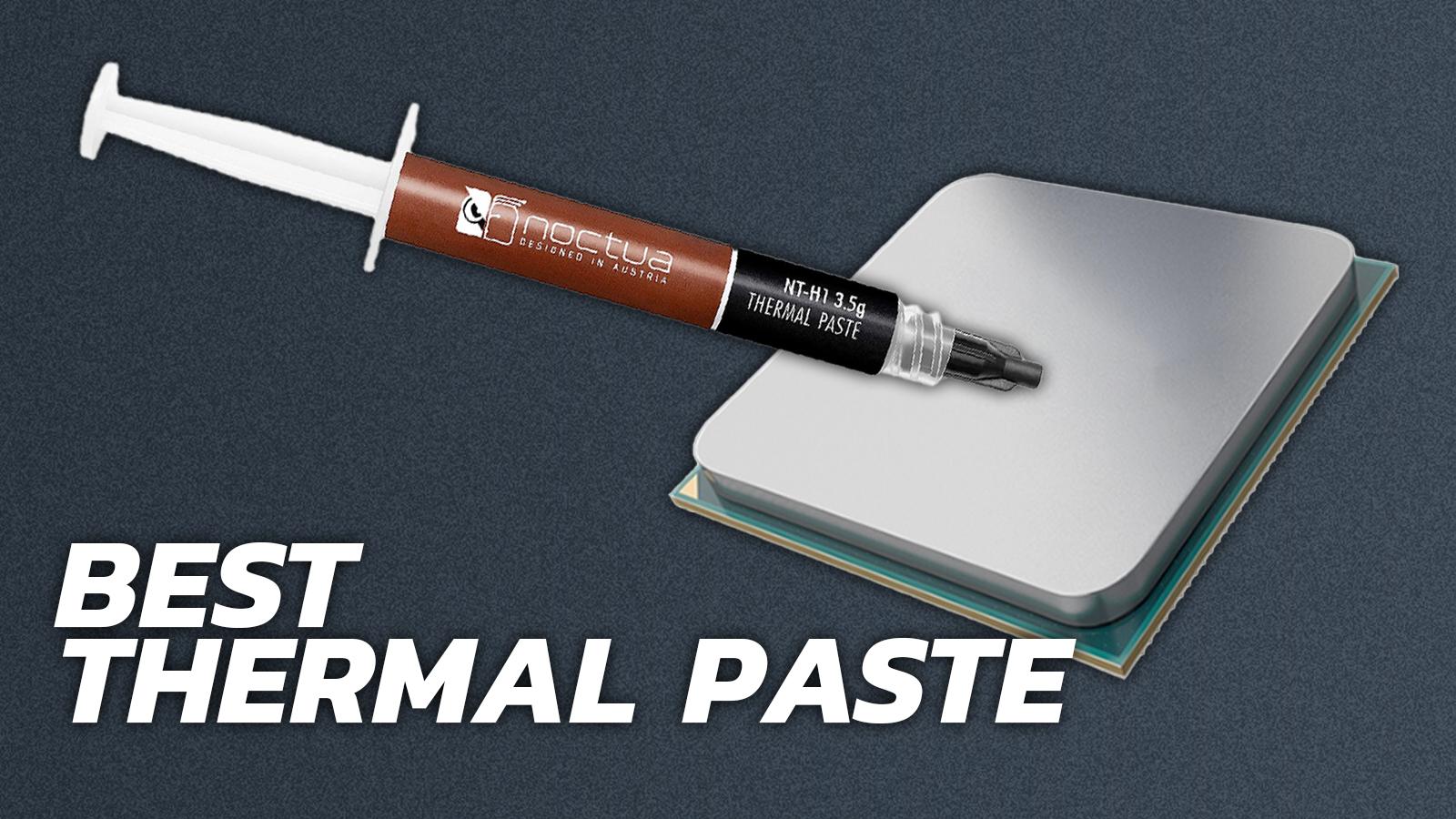
- Noctua NT-H1: A popular and highly-regarded paste known for its excellent performance, ease of use, and long-term stability. It is a great all-around choice for most users.
- Thermal Grizzly Kryonaut: One of the highest-performing pastes on the market, offering exceptional thermal conductivity. It is a good choice for overclockers and users who demand the best possible cooling performance. However, it can be more expensive and may require careful application.
- Cooler Master MasterGel Maker: Delivers excellent thermal conductivity and long-term stability, making it a strong contender in the high-performance category. Its easy application also makes it a favorite among both experienced and novice users.
-
Mid-Range (Balanced Performance and Value):
- Arctic MX-4: A widely popular and affordable paste that offers a good balance of performance and value. It is non-conductive, easy to apply, and has good long-term stability.
- Gelid GC-Extreme: A well-regarded paste that offers excellent performance at a reasonable price. It is non-conductive and easy to apply.
- Corsair XTM50: A reliable and effective thermal paste that provides good cooling performance for a variety of CPUs. Its ease of application and reasonable price point make it a great choice for general use.
-
Entry-Level (Budget-Friendly):
- Arctic MX-2: A budget-friendly option that still offers decent performance. It is non-conductive and easy to apply.
- Cooler Master IC Essential E2: An affordable paste that provides adequate cooling performance for basic CPU cooling needs. It is easy to apply and suitable for users on a tight budget.
-
Liquid Metal (Extreme Performance):
- Thermal Grizzly Conductonaut: The go-to liquid metal TIM for enthusiasts seeking the absolute best cooling performance. However, it requires extreme caution during application and is not compatible with aluminum coolers.
How to Apply Thermal Paste
Applying thermal paste correctly is crucial for achieving optimal cooling performance. Here’s a step-by-step guide:
- Clean the Surfaces: Thoroughly clean the CPU’s IHS and the cooler’s base with isopropyl alcohol and a lint-free cloth to remove any old thermal paste or residue.
- Apply the Paste: There are several methods for applying thermal paste, including the pea method, the line method, and the spreading method. The pea method (applying a small dot of paste in the center of the CPU) is generally recommended for most CPUs.
- Mount the Cooler: Carefully align the cooler with the CPU and gently press it down, ensuring even contact. Secure the cooler using the appropriate mounting mechanism.
- Tighten the Screws: Gradually tighten the cooler’s screws in a crisscross pattern to ensure even pressure and prevent warping.
Conclusion
Choosing the right thermal paste is essential for ensuring optimal CPU cooling and system performance. Consider your budget, performance requirements, and skill level when selecting a thermal paste. By following the guidelines in this article, you can choose the best thermal paste for your needs and ensure that your CPU stays cool and runs smoothly. Remember to apply the paste correctly to maximize its effectiveness.